Tournament Instructions

“Battle Royale” Format
Participant Preparation Before the Tournament
Before participating in the tournament, a player must:
-
1
Register on the Cyberion website in the “Tournaments” section for the relevant tournament
-
2
Have or create an account on the platform Challengermode no later than one day before the tournament
-
3
Check that the Epic Games account is linked in Challengermode
-
4
Приєднатися до Discord-каналу турніру
-
5
After completing all steps — confirm registration with the administrator by 11:30
Player Actions During the Tournament (FORTNITE)
The participant joins Discord

Go to the announcements-rules (1.1) section
Click the link to the corresponding tournament (1.2)

After navigating to the Challengermode platform, the participant:
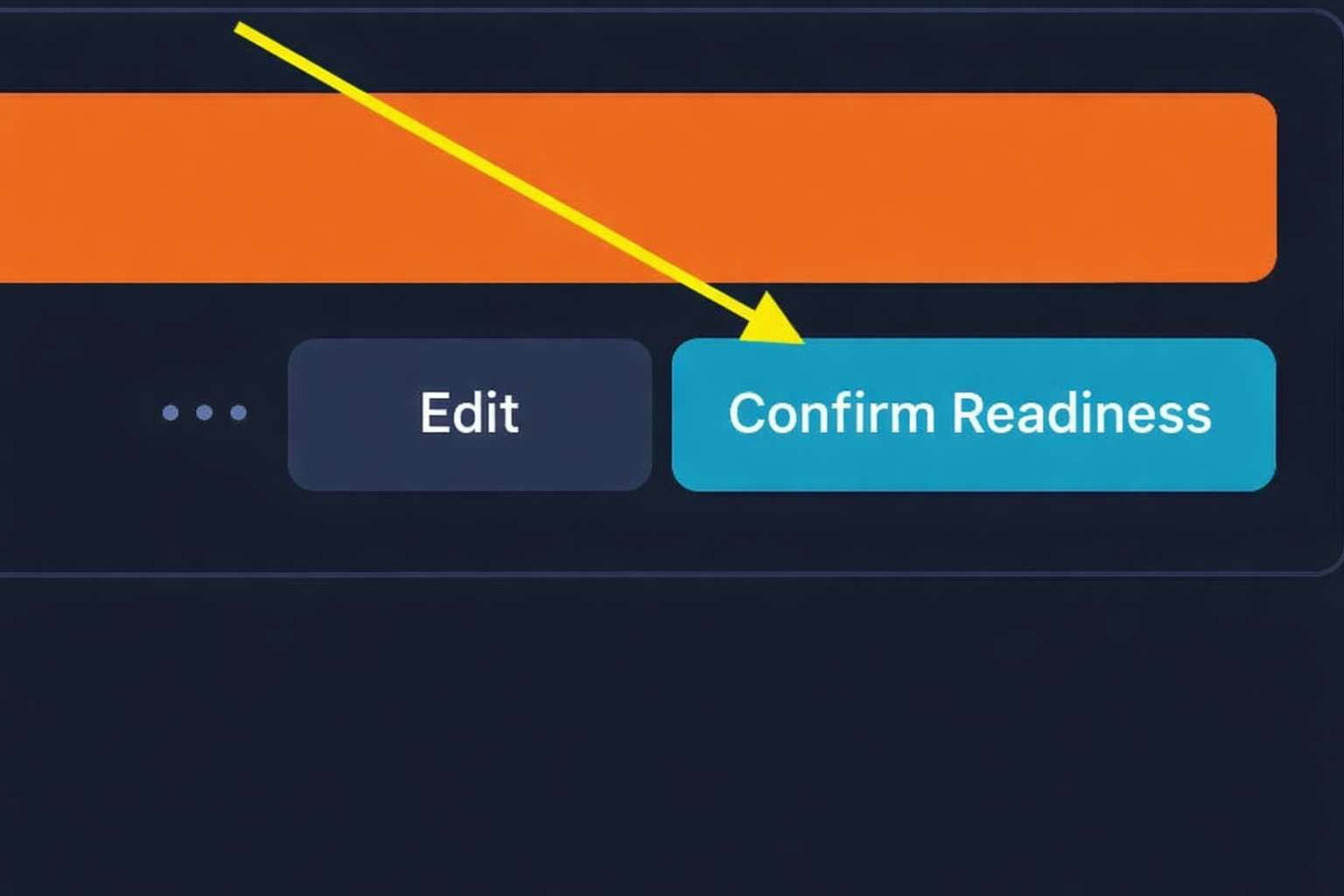
Click the Join Solo (2.1) button

After that, click Ready Up (2.2)
The participant enters the code in the game in the Custom Key (3.1) field

Before the match starts, the club administrator provides the game lobby code
The participant waits for the match to start
After each match ends, the tournament operators enter the results
AFTER 4 MATCHES:
- points are calculated
- tournament winners are determined
- the scoring system is specified in the rules
Participant Preparation Before the Tournament
Before participating in the tournament, a participant must:
-
1
Register on the Cyberion website in the “Tournaments” section for the relevant tournament
-
2
Have or create an account on the Challengermode platform no later than one day before the tournament
-
3
Check that the Steam account is linked in Challengermode
-
4
Join the tournament Discord channel
-
5
After completing all steps — confirm registration with the administrator by 11:30
Participant Actions During the Tournament (PUBG)
The participant joins Discord
Go to the announcements-rules (1.1) section
Click the link to the corresponding tournament (1.2)
After navigating to the Challengermode platform, the participant:
Clicks the Join Solo (2.1) button
After that, clicks Ready Up (2.2)
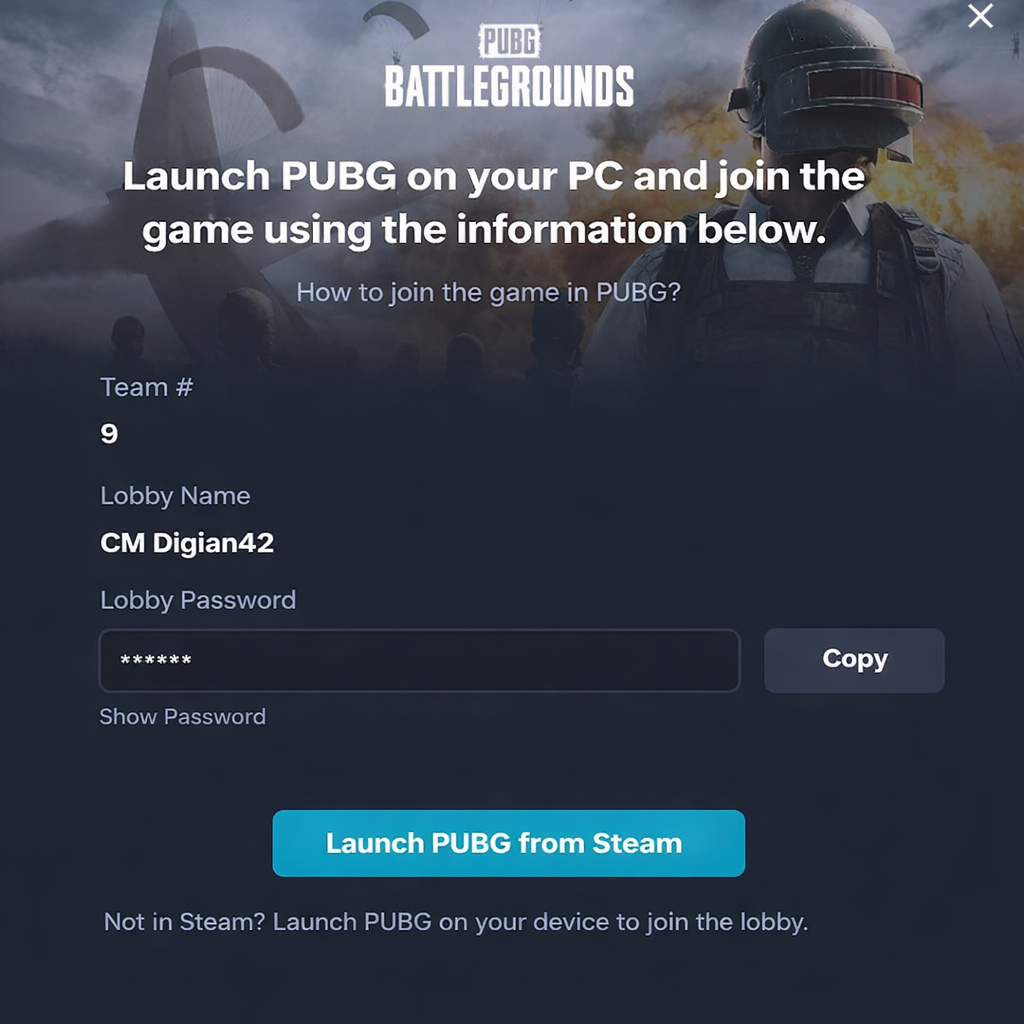
Before the match, Challengermode publishes the lobby name and password. To get the lobby name and password, press the HOW TO PLAY button
IN GAME:
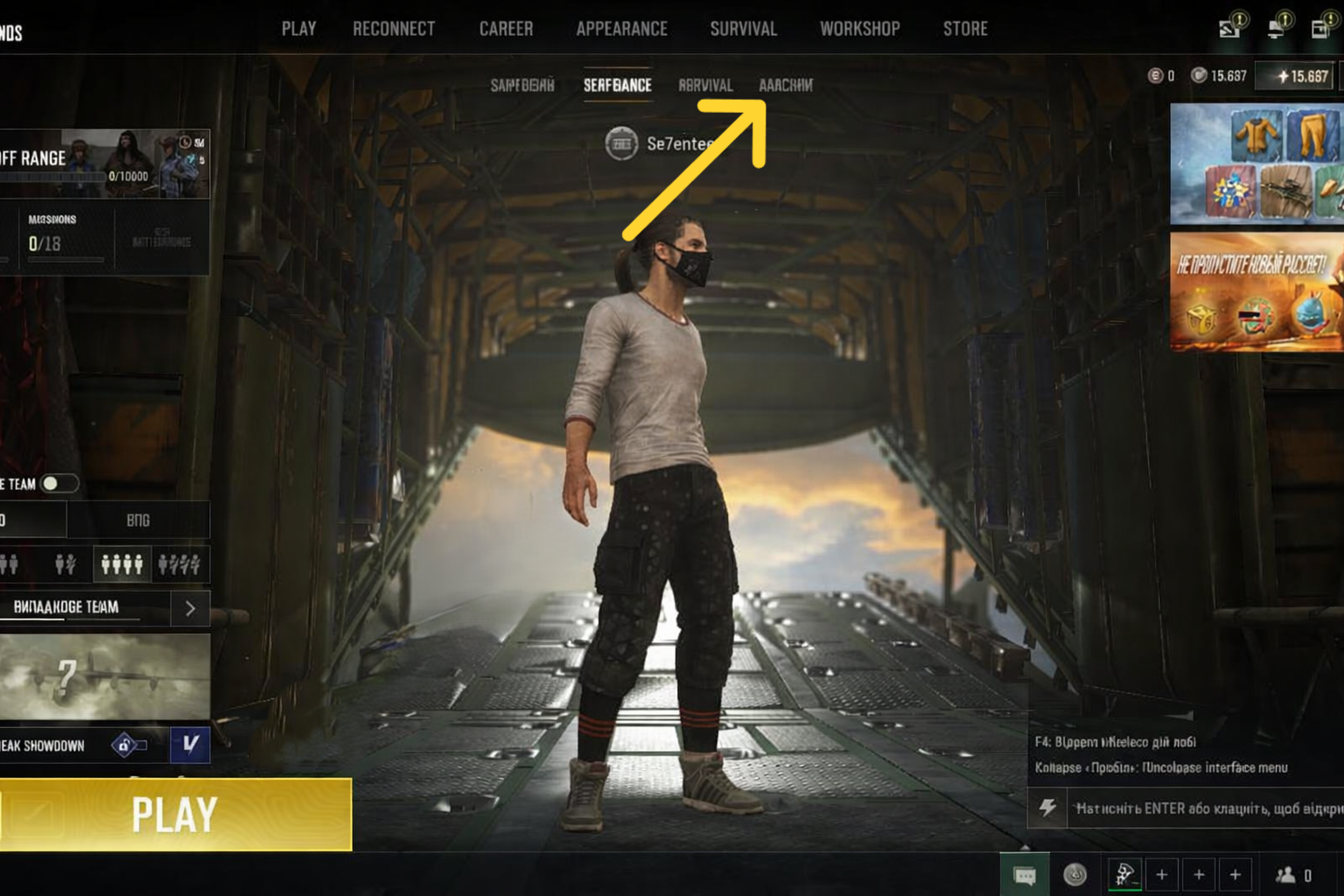
- the participant must find the lobby in the game and locate the Custom field (3.2)
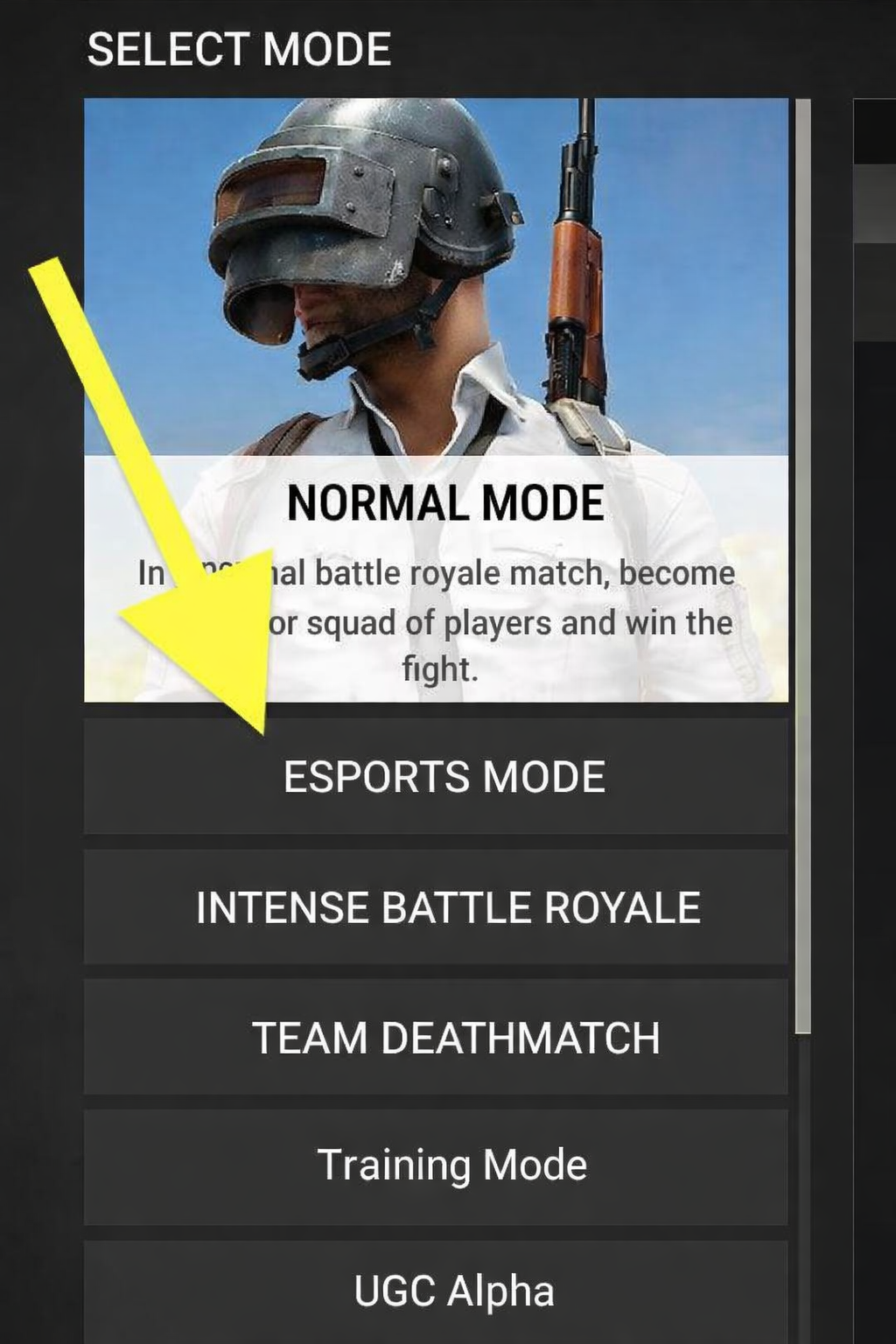
- select the Esports mode (3.3)
- find the lobby provided by the Challengermode platform
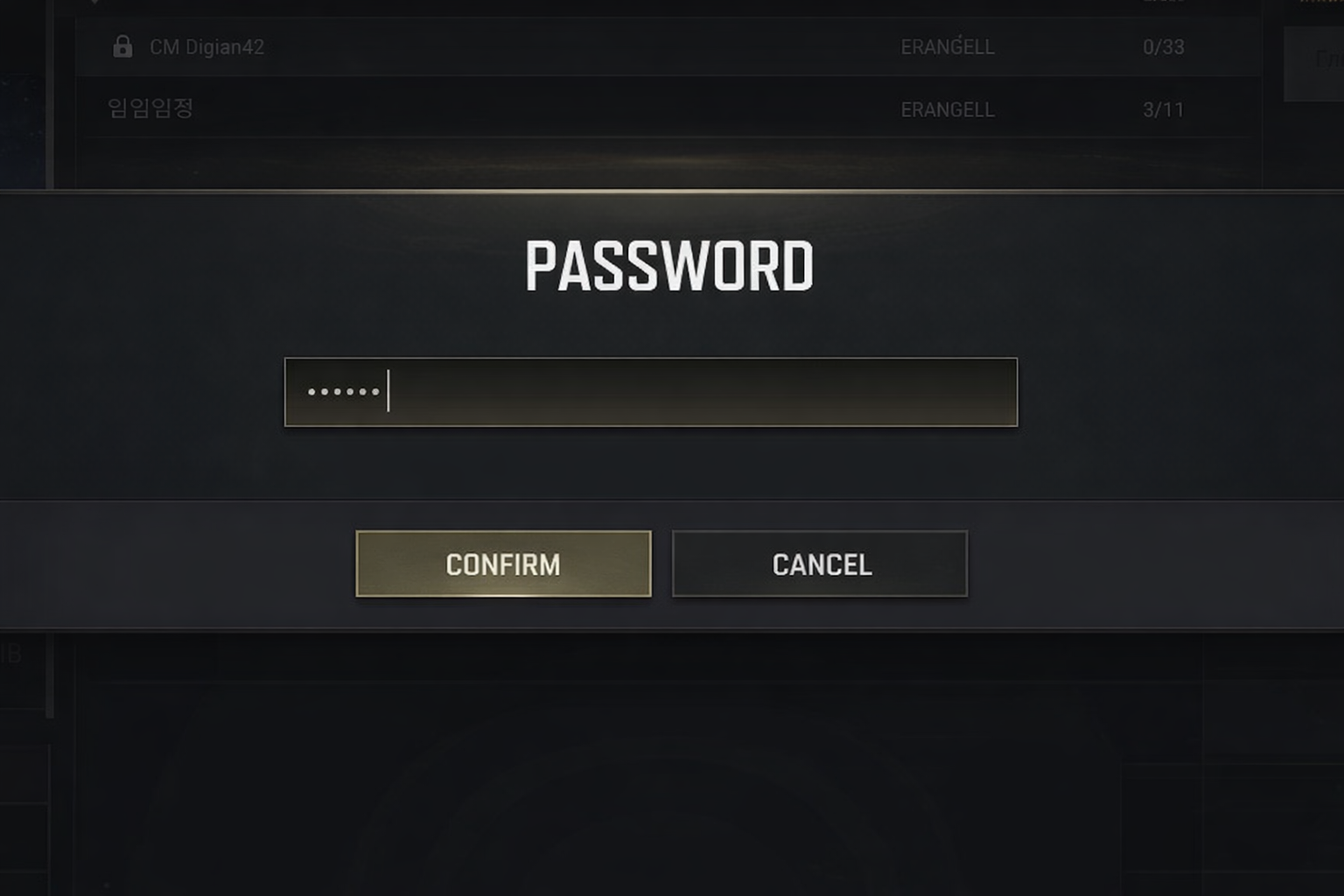
- enter the lobby password (3.5)
- join the match
AFTER 4 MATCHES:
- points are calculated
- tournament winners are determined
- the scoring system is specified in the rules